Create your account
With bcause.com you can easily and securely support organizations that are important to you. In this guide, you will learn in just a few steps how to sign up, after which you can immediately explore organizations and donate.
Pro tip
With your own account, you can keep track of all your donations in one place and follow organisations that are important to you. This way, you can find your way back to your favourite projects much faster next time, instead of having to search for them all over again.
Step-by-Step Guide: Creating Your Account
What you need
An email address that you currently have access to
Access to your email inbox to open the login link
2 minutes of time
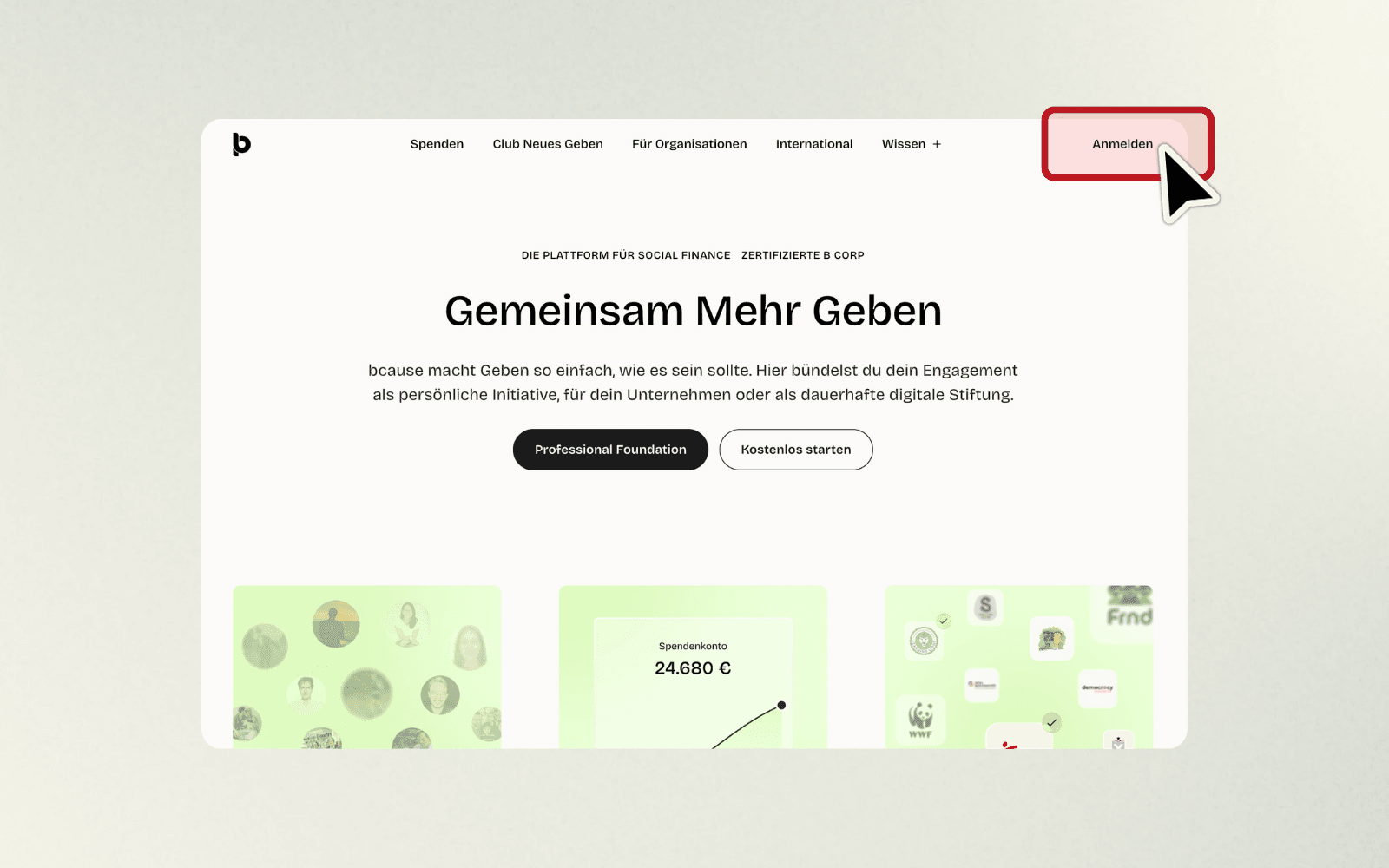
Step 1: Click on "Sign in"
What you do: Open your browser and go to www.bcause.com. Look for the "Sign in" button in the top right corner of the page and click on it.
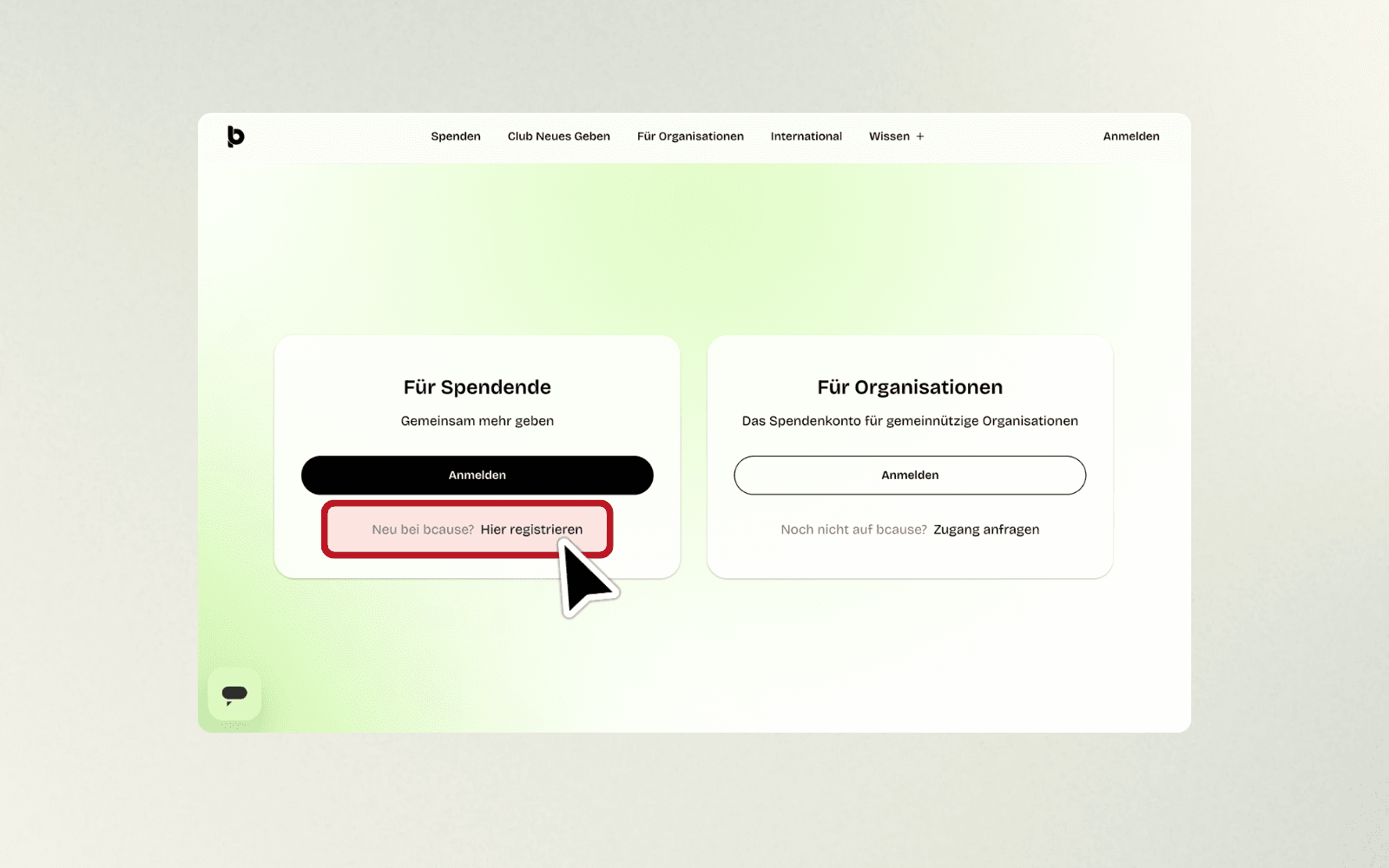
Step 2: Choose "For Donors" and click "Register here"
What you do: You will now see two cards: "For Donors" and "For Organizations". On the "For Donors" card, click the link "New to bcause? Register here" (see image 02).
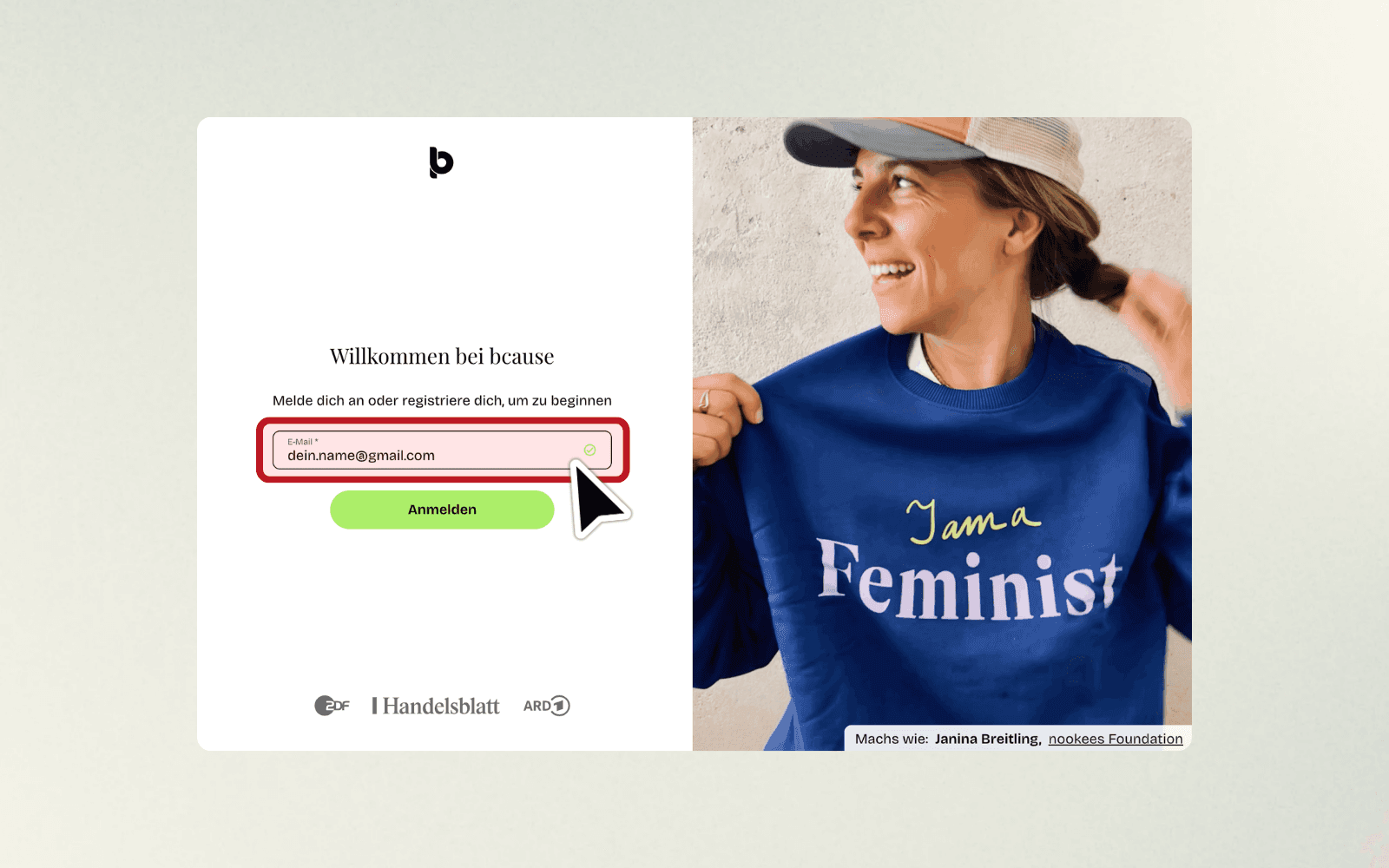
Step 3: Enter your email address and click "Sign in"
What you do: A form opens with the heading "Welcome to bcause". Enter your email address in the "Email" field and click the green button "Sign in" (see image 03).
Example: your.name@gmail.com or your.name@outlook.de
Step 4: We send you a confirmation email
What happens: bcause.com will now send an email to the address you provided. On the screen, you will see the confirmation "Check your emails" (see image 04).

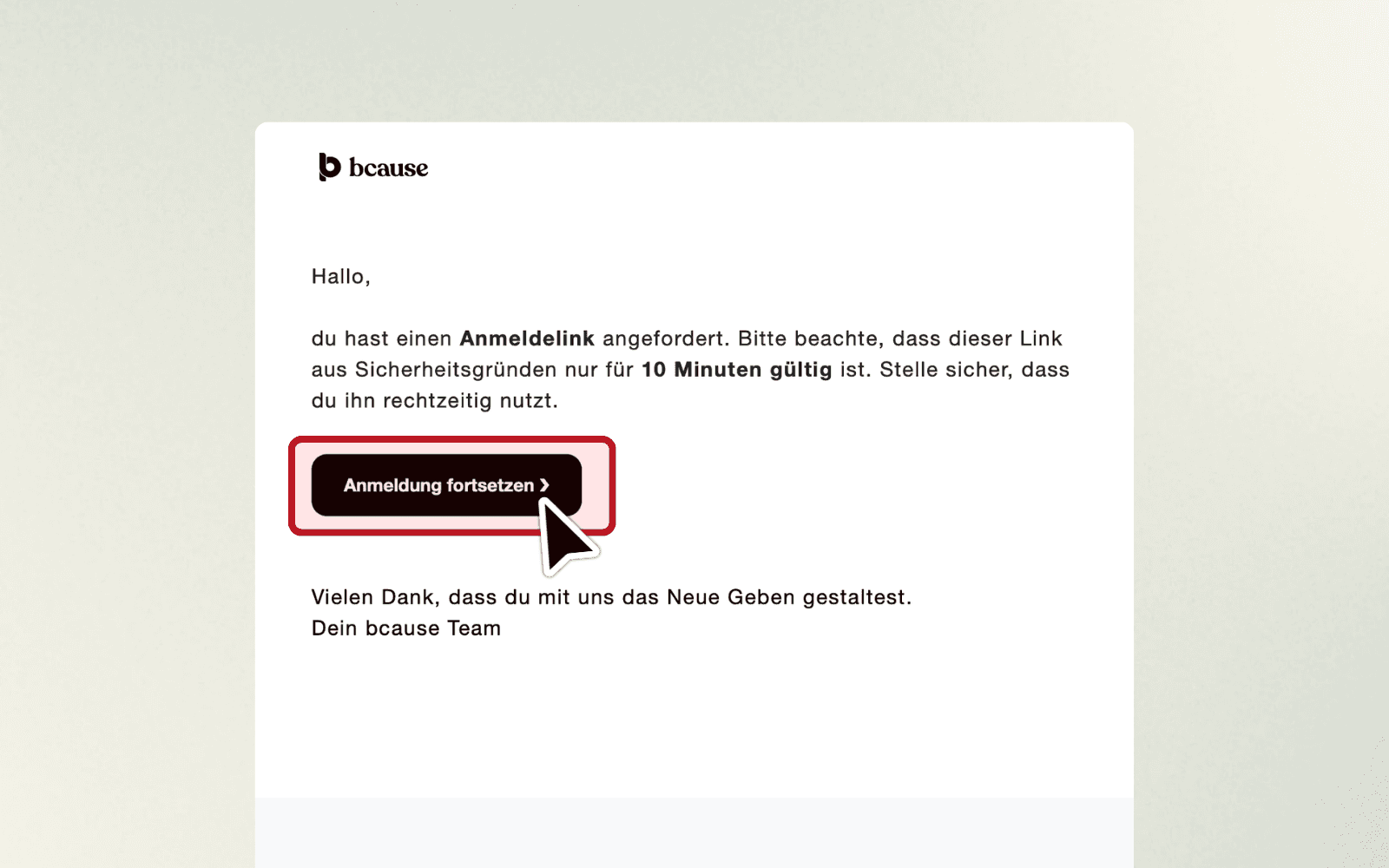
Step 5: Open your email and click "Continue registration"
What you do: Open your email inbox (Gmail, Outlook, etc.) and look for the email from bcause.com. Click the black button "Continue registration" in the email (see image 05).
Important: The link is only valid for 10 minutes – so please use it promptly.
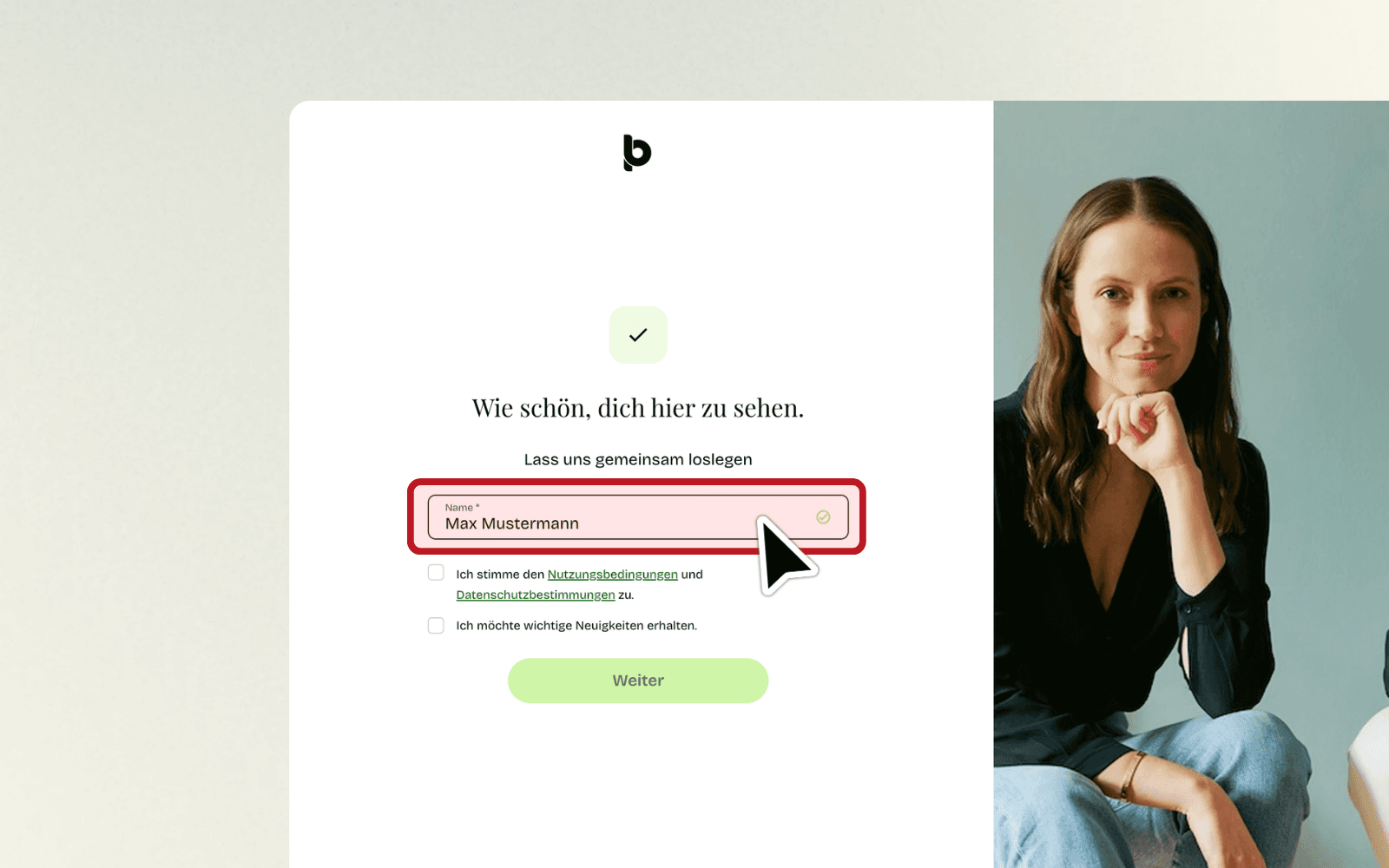
Step 6: Enter your name
What you do: After clicking the link, you will land on a page with the heading "Great to see you here.". Enter your name in the "Name" field (see image 06).
Example: John Doe or Jane Smith
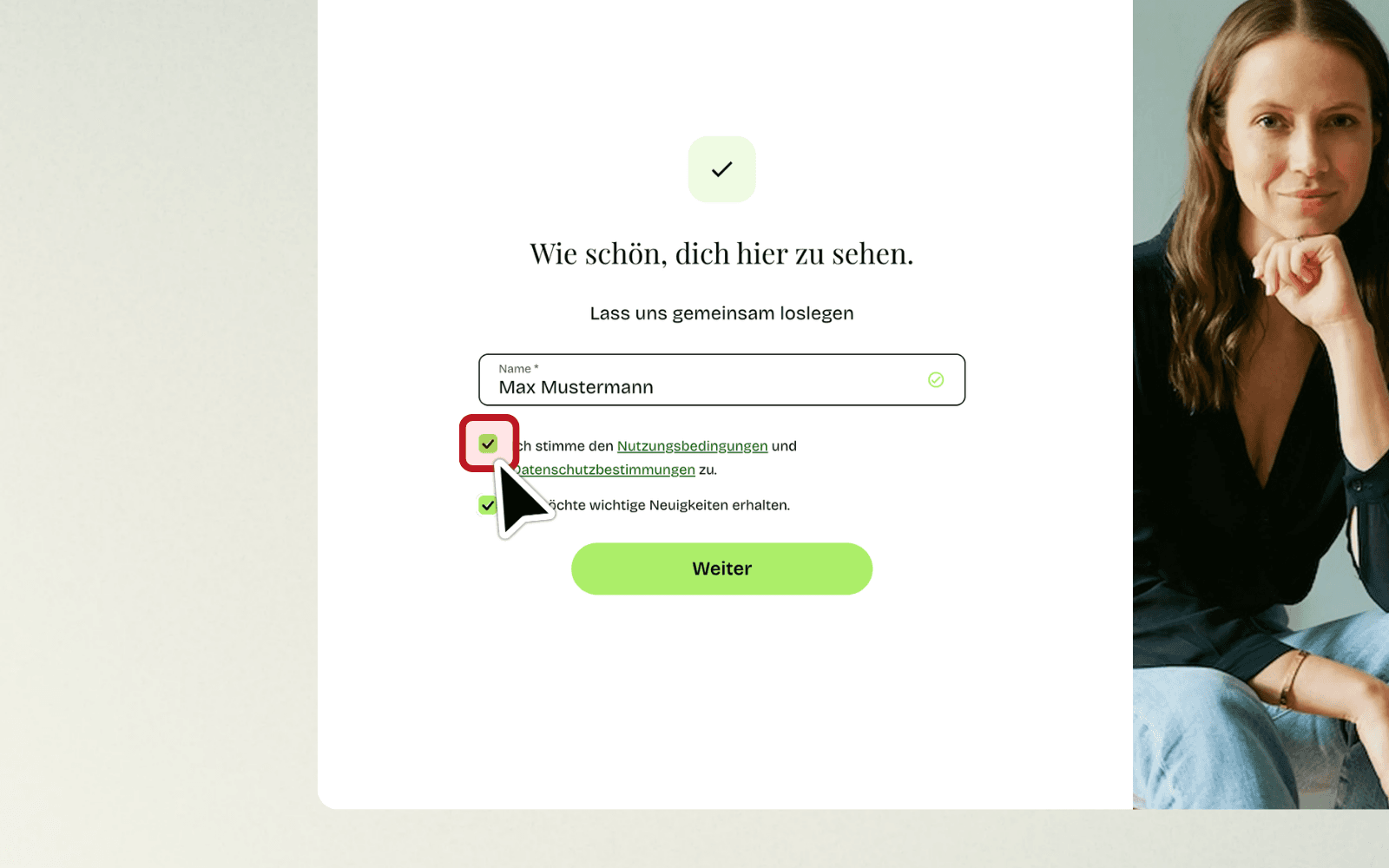
Step 7: Accept the terms
What you do: Check the box for "I agree to the Terms of Use and Privacy Policy.". The second box, "I want to receive important news.", is optional. Then click the green button "Next" (see image 07).
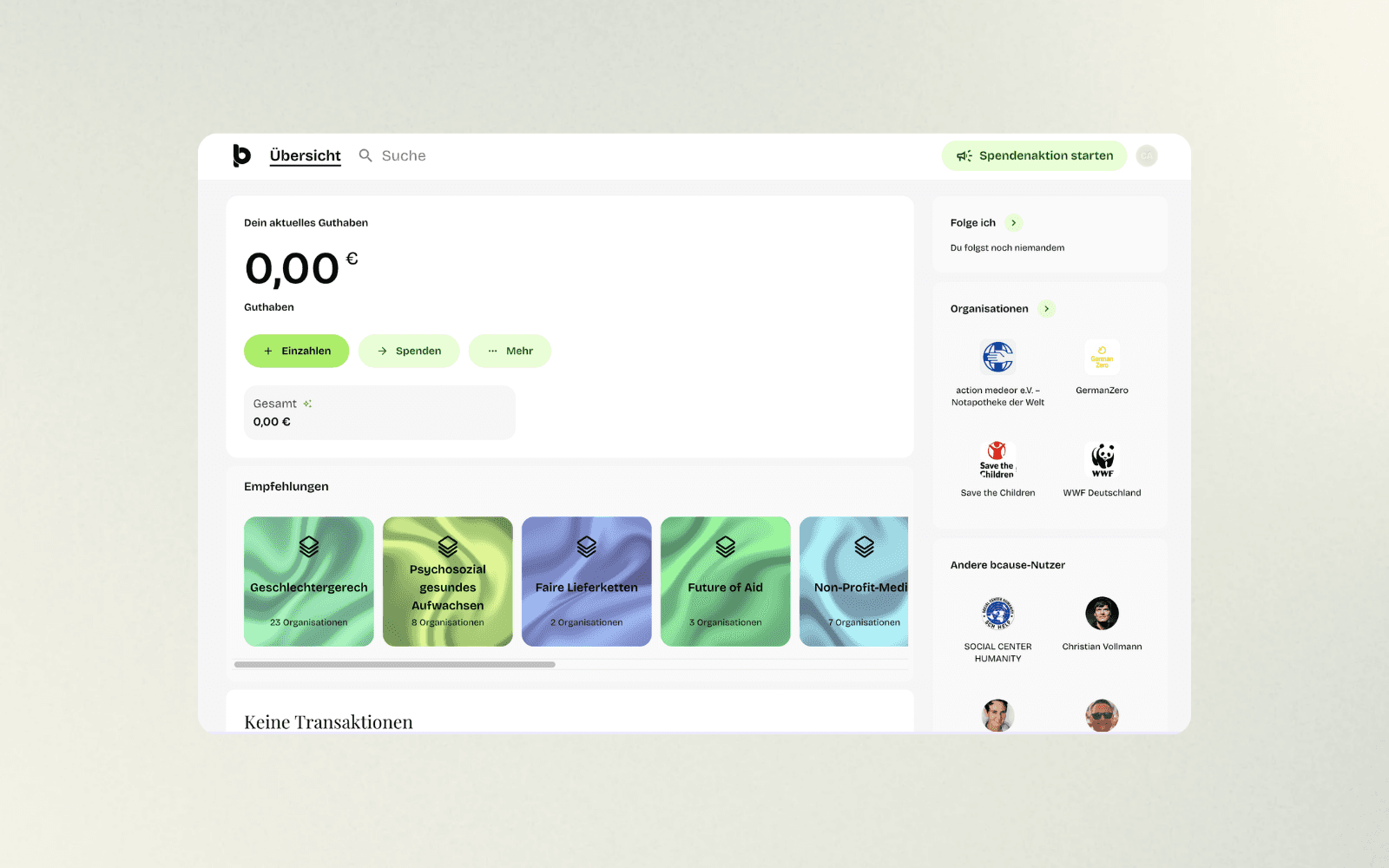
Step 8: Done! Your login was successful
What happens: You will be automatically redirected to your Dashboard. Here you will see your current balance, the buttons "Deposit", "Donate", and "More", as well as recommendations for organizations. You can now explore organizations and make your first donation (see image 08).
FAQs: Frequently Asked Questions
How does the passwordless login work?
bcause.com dispenses with passwords. Instead, you receive a link via email. You simply enter your email address, receive a link in your inbox, and click on it – and just like that, you are logged in.
What if I do not receive the email?
First, check your spam folder – the email sometimes ends up there. Also, wait 1–2 minutes, as the email can take a little while. Also check if you entered the email address correctly. If you still can't find the email, request a new one or contact support at bcause.com.
How long is the link in the email valid for?
The link is only valid for 10 minutes – this is a security measure. If it has expired, simply start the registration process again and request a new email.